Code review tools come in many forms—manual, automated, or even AI-driven. Regardless of the format, the goal is the same: catch bugs early, enforce standards, maintain traceability, and ship better code. The right choice depends on your codebase, workflow, industry, and, most importantly, your review model.
In this guide, we’ll review GitHub, Gerrit, Patchwork Tracking System, P4 Code Review, and Qodo Merge. We’ll look closer at who they serve best, their exceptional features, some of the pain points they cause, where you may experience their limitations, and finally, how they support your compliance needs.
Possible false positives, requires reviewer input, customization needed for unique projects
Any dev team using AI, compliance-heavy orgs
Teams automating code review with AI feedback & compliance support
1. GitHub: Best for mainstream software teams
Best for:GitHub is a cloud-based platform offering paid plans for private repositories and free access for open source projects. It’s ideal for mainstream software development teams.
What makes GitHub a good code review tool?
Discussions:GitHub Discussion is an integrated, repository-level forum for asynchronous collaboration next to your code. Unlike Issues and Pull Requests (PRs), Discussions provide a dedicated space to converse, share, and build a knowledge base with your team and contributors.
In Discussion, you can organize and customize categories so that your conversations about architecture, advanced techniques, bug origins, Request for Comments (RFCs), and onboarding are separated from your transactional code and review work.
Over time, Discussions become a searchable archive of answers, technical reasoning, best practices, and team expertise.
Codespaces:Codespaces lets you launch a full browser-based or Visual Studio Code editor, complete with a pre-configured dev container, directly from any GitHub repository, branch, PR, or historical commit.
Every Codespace is reproducible and isolated, and the dev containers standardize dependencies, tools, and extensions, which helps you avoid wasting time on local setup and the “works on my machine” setup drift.
GitHub compliance features
Data privacy: GitHub enforces privacy protections globally, and data is encrypted at rest and in transit.
Audit: GitHub maintains detailed audit logs of repository and user activity, like access, changes, merges, and permission modifications.
Documentation: GitHub Enterprise users can access up-to-date compliance reports, including security certification documentation, audit trails, and incident response plans.
GitHub pain points and limitations
Monorepo complexity: While GitHub supports monorepo architectures, large codebases with multiple projects can encounter challenges around workflow complexity, long-running CI jobs, and permission granularity. You may find that standard GitHub Actions workflows can become challenging to maintain as job definitions multiply.
Cross-repository dependencies: Coordinating changes and builds across multiple interconnected repositories isn’t natively streamlined in GitHub. If you’re managing microservices or shared libraries, you’ll find that triggering chained builds and automated dependency updates requires a mix of custom webhooks, composite actions, and external orchestration.
Private repositories are restricted to paid tiers.
Advanced compliance and automation features are available only to enterprise customers.
No native support for non-Git version control systems.
Automation is limited by pure YAML syntax.
2. Gerrit: Best for enterprise compliance
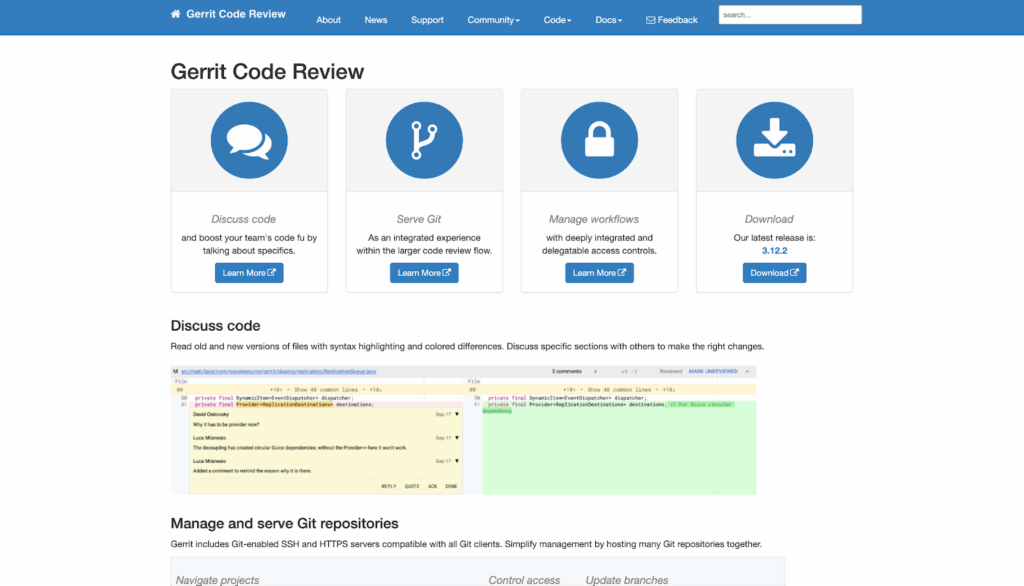
Best for:Gerrit is an open-source, self-hosted code review tool best suited for teams in telecom, networking, semiconductor, and infrastructure with extensive compliance and integration needs.
What makes Gerrit an excellent code review tool?
Patch-based review model: This rigorous Git-native system treats each change as an atomic patch set, with each atomic patch set containing a single commit.
To submit code for review in Gerrit, you push your commit to a special reference rather than a regular branch, flagging it for review. A reviewer examines your patch set and applies review scores. The reviewer might also require automated tests, lint checks, or security scans to pass as part of the verification process.
When you address feedback, you resubmit it as a new patch set for further review. This iterative process continues until all required scores and approvals are met. Once everything passes review and automation checks, your change is merged into the target branch.
Gatekeeper model: Gerrit enforces strict, customizable policies with mandatory approvals and automation checks
Gerrit enforces strict, configurable, customizable, and mandatory reviews for policies, administrators, and automation.
Gerrit’s model blocks merges until you receive every required approval and automation pass, regardless of contributor status or branch.
Gerrit compliance features
Data privacy: On-premises/self-hosted deployment is standard, and Gerrit supports strict data residency and privacy mandates.
Audits: Detailed, permanent audit logs capture every push, review, merge attempt, permission change, and comment.
Certificates: Can support SOC 2/ISO/FedRAMP frameworks, and X.509 signed commit support (as of Gerrit 3.12).
Reporting and documentation: Full export of review history, audit data, and configuration, as well as extensible reporting via analytics plugins.
Gerrit pain points and limitations
Complex permission management: Gerrit allows you to assign roles and permissions at global, project, and branch levels. However, as you launch new or larger projects, the resulting matrix of groups and permissions can become complex. This complexity increases the risk of permission creep, outdated reviewer lists, or locked-out contributors. It can also slow down code reviews and create compliance issues.
In large Gerrit deployments, it’s common to require dedicated DevOps or administration specialists to automate policy enforcement and audit permissions.
Web UI usability: The interface is functionally dense and less modern.
Limited out-of-the-box integrations: While Gerrit is highly extensible, many advanced CI/CD, chatbot, and analytics integrations require non-trivial plugin development or third-party solutions.
3. Patchwork Tracking System: Best for legacy and email-driven projects
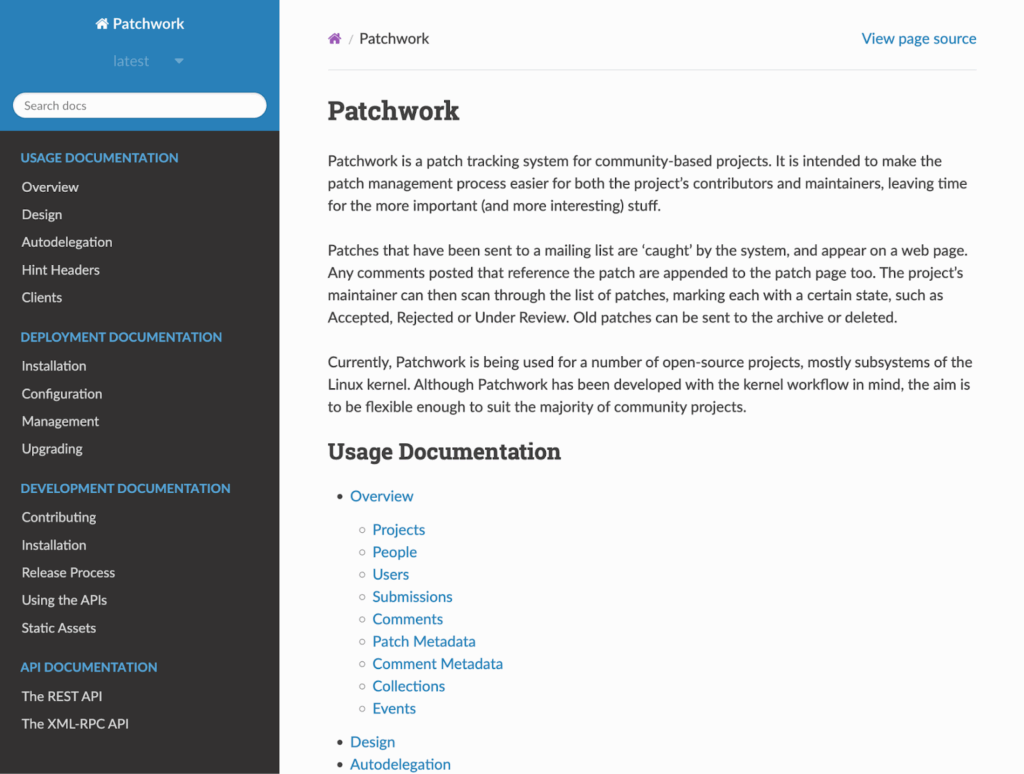
Best for:Patchwork Tracking System is a non-traditional, lightweight patch system and code review tool for teams working primarily with email-driven, patch-based workflows.
What makes Patchwork a great code review tool?
Native email patch workflow: Patchwork acts as a bridge between email-based development and web-based code review. When you send patches to a project’s mailing list, Patchwork automatically listens to that list and parses every incoming email looking for attached patches or patch series.
For each patch, Patchwork reconstructs the content and relationships, such as which patches belong to the same series, which are updates to previous submissions, and which comments are reviews or requests for changes. Then, it links all iterations and discussion threads together, maintaining the full review context as patches evolve exclusively through email.
Maintainers and reviewers can see every patch’s status, lineage, and review history, even though all submissions and most discussions still happen over email.
Compliance features and breadth
Data privacy: Most deployments are self-hosted without forced data export.
Audits: Patchwork maintains an accessible record of all activities.
Certificates: None.
Reporting and documentation: Supports exporting patch and review histories, status changes, and correspondence.
Pain points and limitations
No modern code review features: You won’t find certain features like line comments, rich diffs, or merge gating that you can see in other tools.
Search and filter: Patchwork’s core search and filtering features are designed for typical open source mailing list volumes but can struggle as patch traffic and historical data grow, especially in massive projects like the Linux kernel.
The default interface supports basic filtering by status, author, or series, but it may slow down or become unwieldy if you’re dealing with thousands of patches or lengthy patch series.
Access control: Unlike built-in Role-Based Access Control (RBAC) systems, most projects rely on established mailing list policies, cultural norms, or contributions tracked through commit signatures.
Typically, anyone with access to the web interface can view or sometimes comment on patches, and sensitive access is managed outside Patchwork, either through mailing list configuration or communal governance.
Integration gaps: Advanced integrations with CI, chat, and issue trackers require API scripting or homegrown solutions.
4. P4 Code Review: Best for Perforce users with binary assets
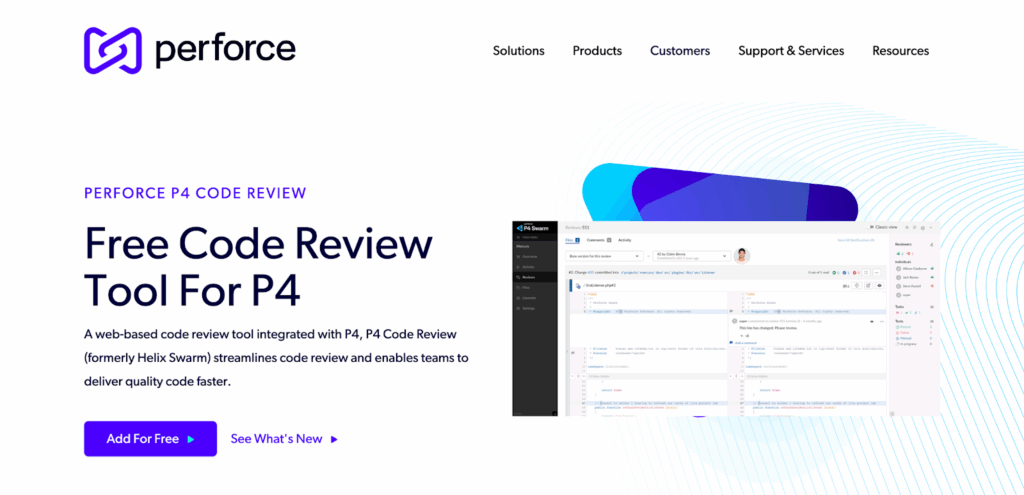
Best for:P4 Code Review is an on-premise code review tool for teams using Perforce Helix Core for version control. It’s especially well-suited to those building games, semiconductors, automotive, aerospace, or large-scale software with many binary assets and distributed contributors.
What makes P4 Code Review a great code review tool?
Change-centric review: P4 Code Review is explicitly built to integrate natively with Perforce and centers on changelists, which are atomic groupings of file modifications—code, binaries, or both—that are tracked and versioned as a single unit. P4 operates directly on these changelists so that reviews can span all files in a single logical change, including critical assets in game dev, VFX, chip design, and similar domains. P4 displays diff and annotates changes to binaries or huge media files within reviews.
Rich asset and binary file review: P4 supports binary files (images, models, data, etc.) as first-class review objects.
Actionable review of shelved changes: This code review tool allows users to review shelved changelists—Perforce’s temporary, unpublished code snapshots—before formal submission. This enables code cleanup and asset validation. After committing a shelved changelist, P4 can automatically clean up redundant files, reducing asset sprawl.
Multi-depot and stream support: P4 knows Perforce’s advanced branching streams, workspace mappings, access controls, and multi-depot setups. This means reviews can span multiple depots/streams or be limited to a single depot/stream.
Integrations: P4 triggers, hooks, and integrations are built to respond to large and complex asset operations, asset locks, and dependency relationships.
P4 Code Review compliance features
Data privacy: Supports on-premises, cloud, and hybrid deployments. Fully integrated with Helix Core’s user/group access layers, leveraging secure authentication (SSO, MFA).
Audits: Persistent audit logs of activities, comments, approvals, and workflow changes.
Certificates: SOC 2, ISO 27001, and X.509
Reporting and documentation: Compliance and activity dashboards. Administrators can export activity and audit logs.
P4 Code Review pain points and limitations
Resource-intensive initial setup: When you set up P4 in a multi-team environment, you’ll need to configure reviewer groups, approval requirements, and workflow automation in detail. Manual configuration is also required for tailored policies and routing.
5. Qodo Merge: Best AI-powered code review tool
Best for:Qodo Merge is a flexible cloud or on-premises code review tool for teams looking to automate and enhance code review using AI, regardless of repository.
What makes Qodo Merge a great code review tool?
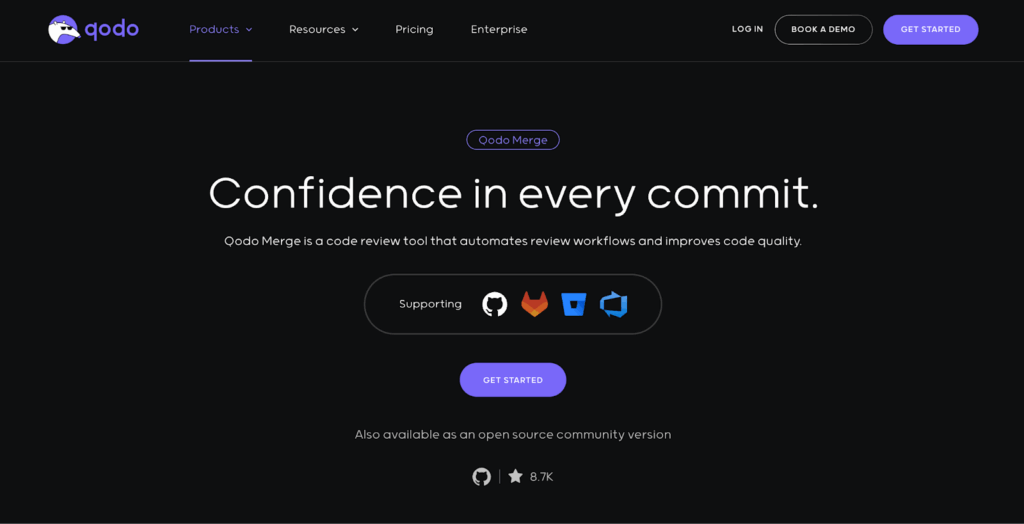
AI-guided PR review: Qodo Merge uses AI agents like Claude Sonnet 3.5 and OpenAI to deliver context-aware, codebase-specific feedback on every pull request.
When a PR is opened or updated, the agent scans code changes, analyzes the surrounding project context, and automatically identifies bugs, code smells, and logic issues. This goes well beyond simple static analysis. It also generates clear PR summaries and can provide an automated walkthrough of the diff, highlighting risky areas and possible requirement mismatches.
For high-compliance workflows, this code review tool also checks that linked ticket requirements are reflected in the code.
Customizable review standards: Qodo Merge lets you set and enforce your team’s review standards. You can define custom rules such as naming conventions, required documentation, or security checks, and the system will flag deviations automatically during code review.
As reviewers accept or reject the AI’s suggestions, the tool learns what’s relevant or excessive for your codebase, steadily reducing irrelevant comments.
Qodo Merge compliance features and breadth
Data privacy: Code is processed transiently for review only; nothing is stored or used for model training. Individual developer and org-level settings control what is shared or retained.
Audits: Maintains a detailed, exportable audit trail of all review activity, suggestions, compliance checks, and code-to-requirement mappings. All compliance validations and recommendations are logged for reporting and audits.
Certificates: ISO 9001, SOC 2, HIPAA, and FDA.
Reporting and documentation: Generates compliance documentation, changelogs, and audit logs with customizable export formats.
Qodo Merge pain points and limitations
Edge AI limitations: As with any LLM-powered review, you risk encountering false positives or irrelevant suggestions. The AI improves over time, but requires manual reviewer supervision and feedback.
Project-specific customizations: Out of the box, Qodo Merge can flag common code issues and style problems, but aligning it with your project’s unique needs often means defining custom rules, integrating with proprietary tools, or connecting to internal ticketing systems.
This could involve scripting, training the AI with real project examples, or specifying precise review criteria. Until this customization is complete, some relevant issues may go undetected, or the system may generate feedback that doesn’t match your team’s expectations.
Don’t stop at a code review tool: Bring security into your process
Most code review tools catch logic errors and enforce standards, but they aren’t built to find security vulnerabilities with any depth. Security is a fundamentally different beast, with issues that are subtle, context-dependent, and often invisible to standard review processes.
Kiuwan integrates directly with your Source Code Management (SCM), CI/CD pipelines, and developer IDEs. Features like real-time feedback in your IDE, customizable security policies, and actionable remediation steps enable you to analyze code for vulnerabilities, track security trends, and enforce compliance with standards like OWASP, ISO 27001, and GDPR.
Add Kiuwan to your stack alongside your code review system, and you’ll gain invaluable insight into the security risks that threaten you across every commit and merge. Request a free trial to learn more.
Get Your FREE Demo of Kiuwan Application Security Today!
Identify and remediate vulnerabilities with fast and efficient scanning and reporting. We are compliant with all security standards and offer tailored packages to mitigate your cyber risk within the SDLC.
We’re announcing a new native integration between Kiuwan and TestRail that brings security and quality into the same workflow. With this release, Kiuwan users can push Static Application Security Testing…
Understanding and tracking security data breaches Security data breaches are one of the biggest challenges organizations face today. Every year, companies deal with data leaks, ransomware attacks, or unauthorized access…
How to Prevent Reverse Shell Attacks: Detection, Defense, and Best Practices TL;DR: A reverse shell attack happens when an attacker uses your system to initiate an outbound connection back to…