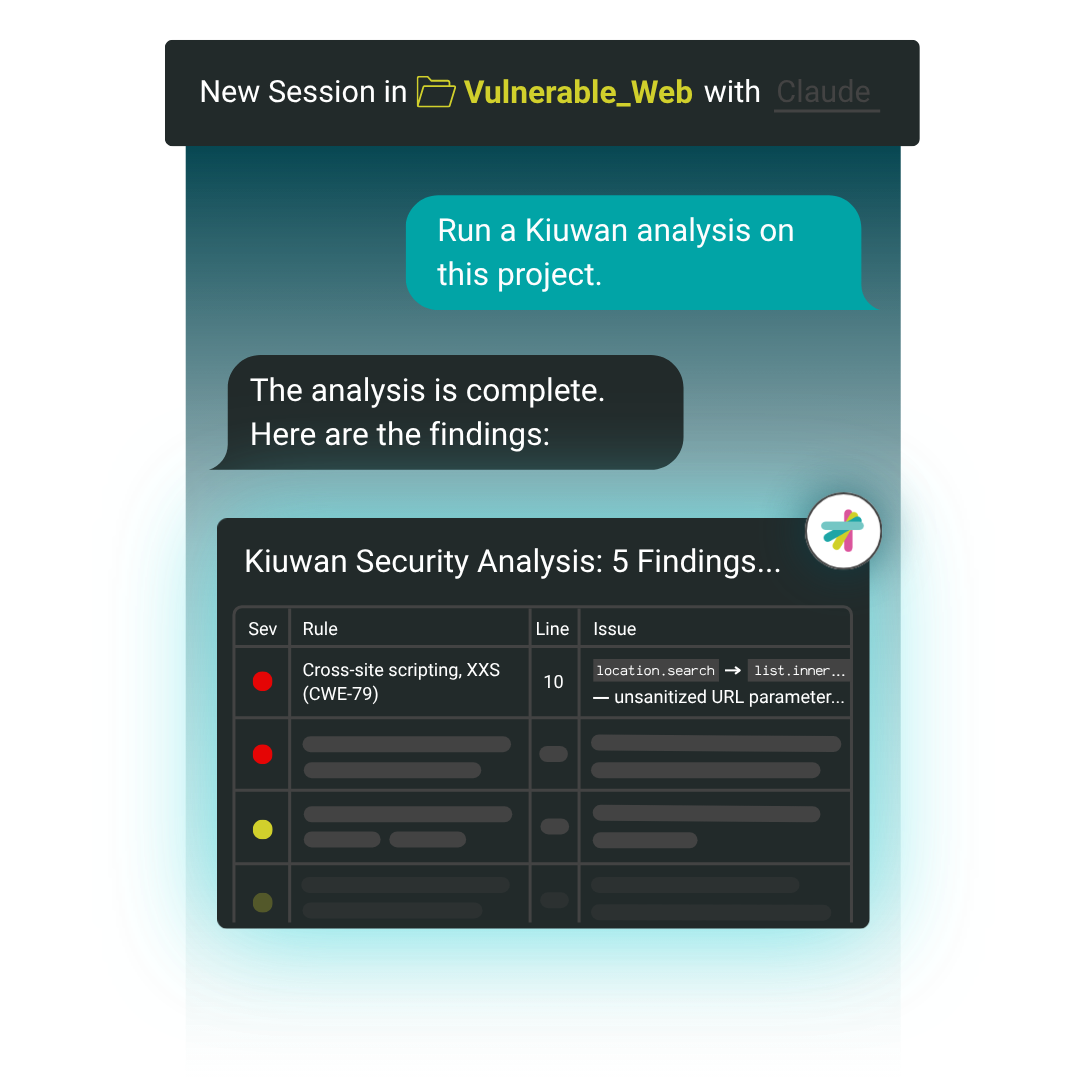
Tell your AI assistant to run a Kiuwan scan, and it pulls real findings from the Kiuwan Local Analyzer (KLA)—like CWE classification and source-to-sink dataflow—then proposes remediation grounded in that analysis, right inside your editor.
More than half of the code being written today is AI-generated or AI-assisted, per the 2026 Sembi Software Quality Pulse Report. Kiuwan AI Vulnerability Remediation makes sure the assistants writing it have accurate security context, not just confidence.
Other security tools are building AI remediation too—usually by bolting a vendor-owned AI layer onto their scanner. That means adopting another tool, another interface, another thing to learn.
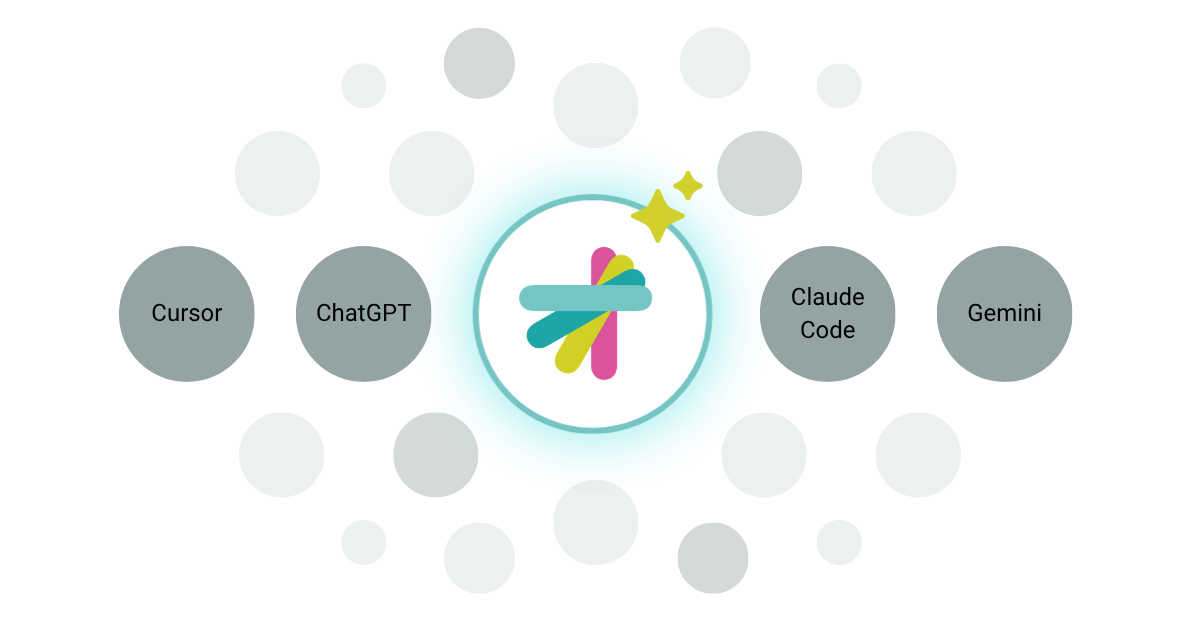
Kiuwan took the opposite approach. We didn’t build a new AI assistant: we made the ones your developers already use more accurate, by connecting them to Kiuwan's own analysis engine.
Watch how a developer runs a scan and fixes a vulnerability without leaving their coding assistant.
Still have questions?
A skill that connects your AI coding assistant to Kiuwan's scanning engine, so it can run security scans and propose remediation based on real findings instead of general knowledge about "secure code."
Claude Code, Cursor, Copilot, Codex, and Gemini, plus roughly 70 skill-enabled assistants in total.
No. It runs on your existing Kiuwan account using the Kiuwan Local Analyzer. If you're already a Kiuwan customer, this is a workflow upgrade, not a new purchase.
No. The assistant surfaces findings and proposes fixes, but every remediation is grounded in Kiuwan's own scan results, and you review and confirm before anything is executed or finalized. A re-scan verifies the fix actually worked.
Those tools layer their own AI on top of their scanner and typically ask you to work inside their interface. Kiuwan works inside the assistant you already use, so there's nothing new to learn.
Full documentation, including installation steps, is on our support site. Developers can also find the skill on GitHub.
Yes! Start a free trial here to see Kiuwan AI Vulnerability Remediation in action.